Change or Cancel Subscription
TL;DR
Visit Licensespring to upgrade your subscription.
If your subscription has expired or you never had one: Buy Subscription
Learn More
You can update your subscription at any time to better suit your needs.
Subscription management is handled through your Stripe CodeGlass Account.
It uses the same email you use to log in to CodeGlass.
To manage your billing, visit: https://billing.stripe.com/p/login/14kg2Me9F7yu4GA144
Here, you can request a login link by email.
You will be directed to a page that looks like this:
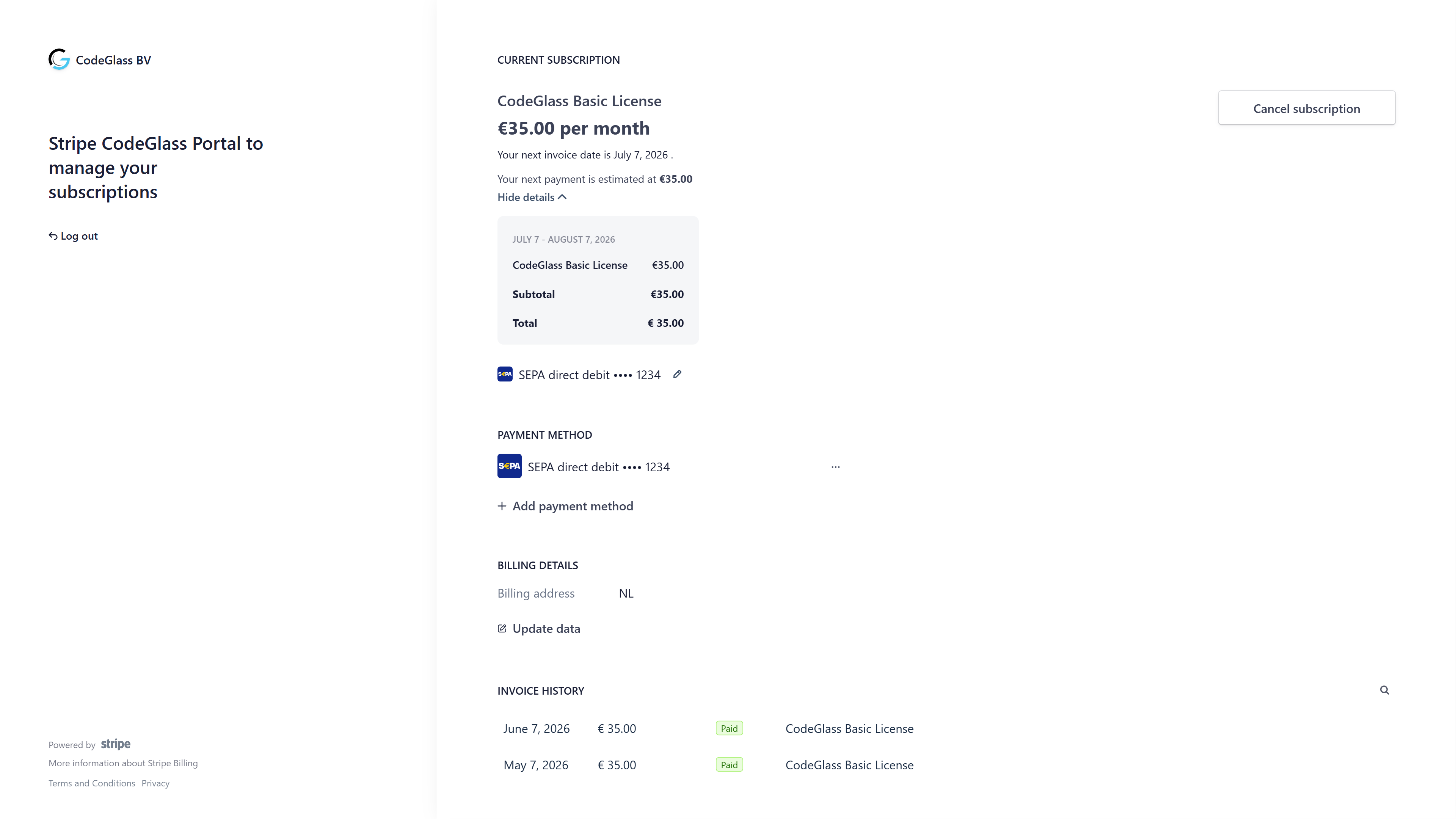
If available, you'll see a "Cancel plan" button.
If you don't see the button, see:
All changes take effect immediately, with prorated billing adjustments.
Remaining prorated credit is applied to your Stripe balance and used for future payments.
Cancel Plan
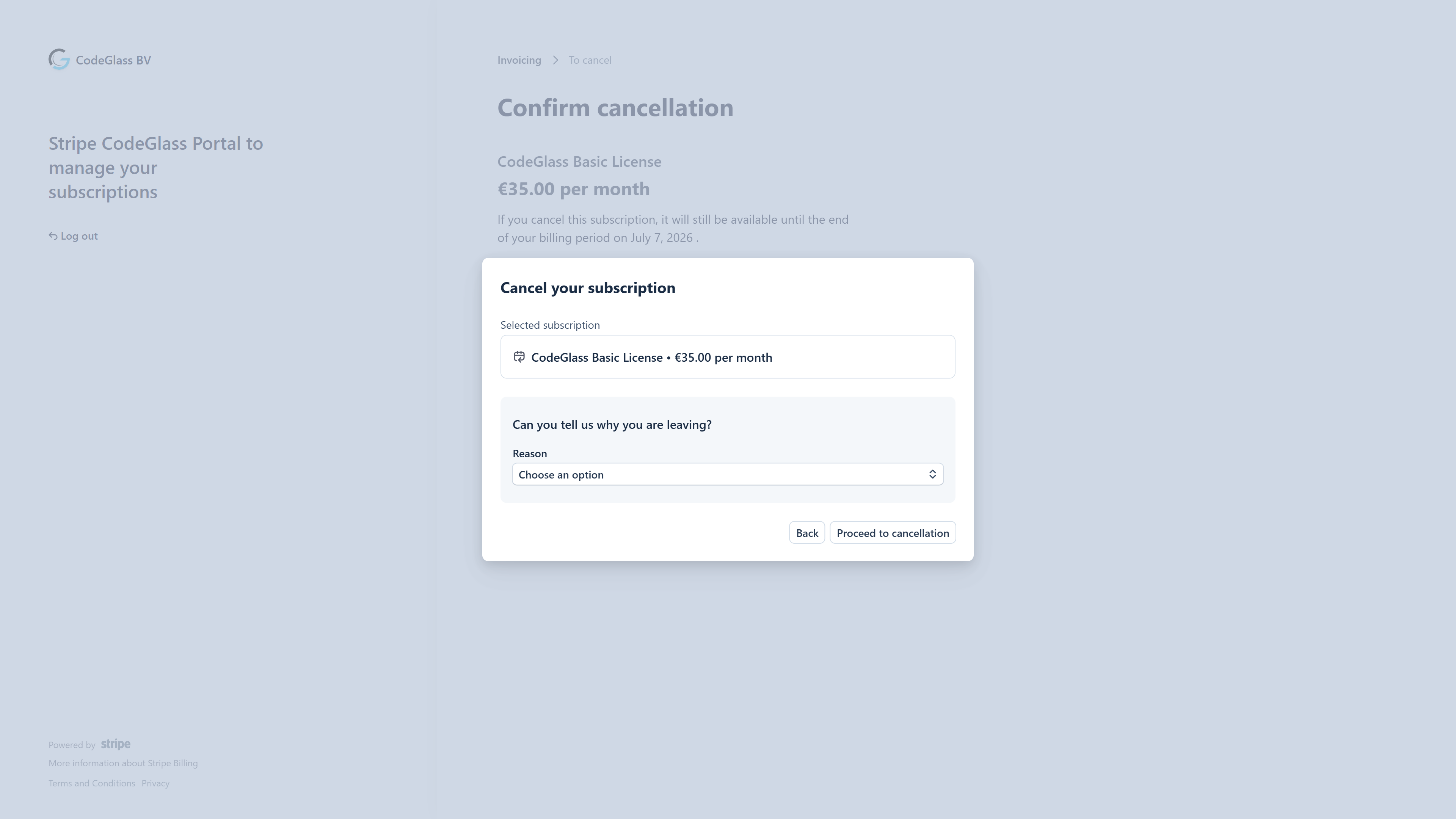
Use this screen to cancel or pause your subscription. You will retain access until the end of your billing term.
To reduce the number of licenses, use the Cancel Plan page instead.
FAQ
No Access Button
If you don't see a button to access your subscription:
- Ensure you're using the correct email address.
- If you're not the License Manager, you must contact the person who granted your license.
If you're unsure, feel free to contact us.
No Subscription
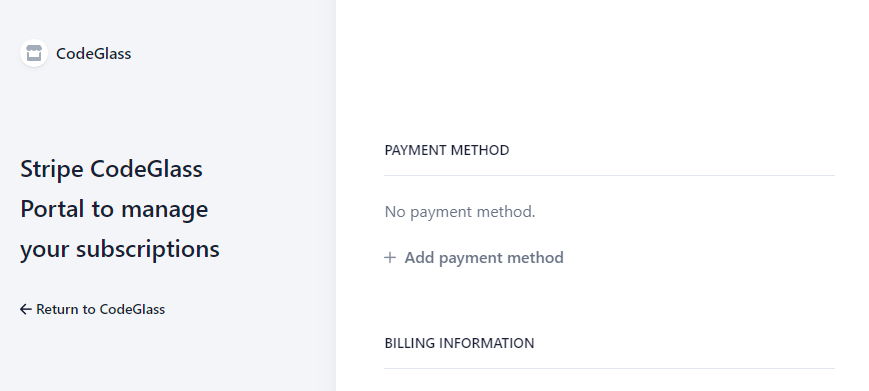
If you see this screen, your subscription is no longer active or never existed.
You can purchase a new subscription
Need help? Contact us.